



TL;DR
During the Microsoft 365 disruption, working SaaS applications became unusable because sign-in codes sent by email never arrived. Business recovery has to restore access for both customers and staff: plan around critical business activities, treat email and identity outages differently, prepare a recovery path with each application owner, and prove it in a drill before the next outage.
The Operating Problem
When the App Is Up but No One Can Sign In
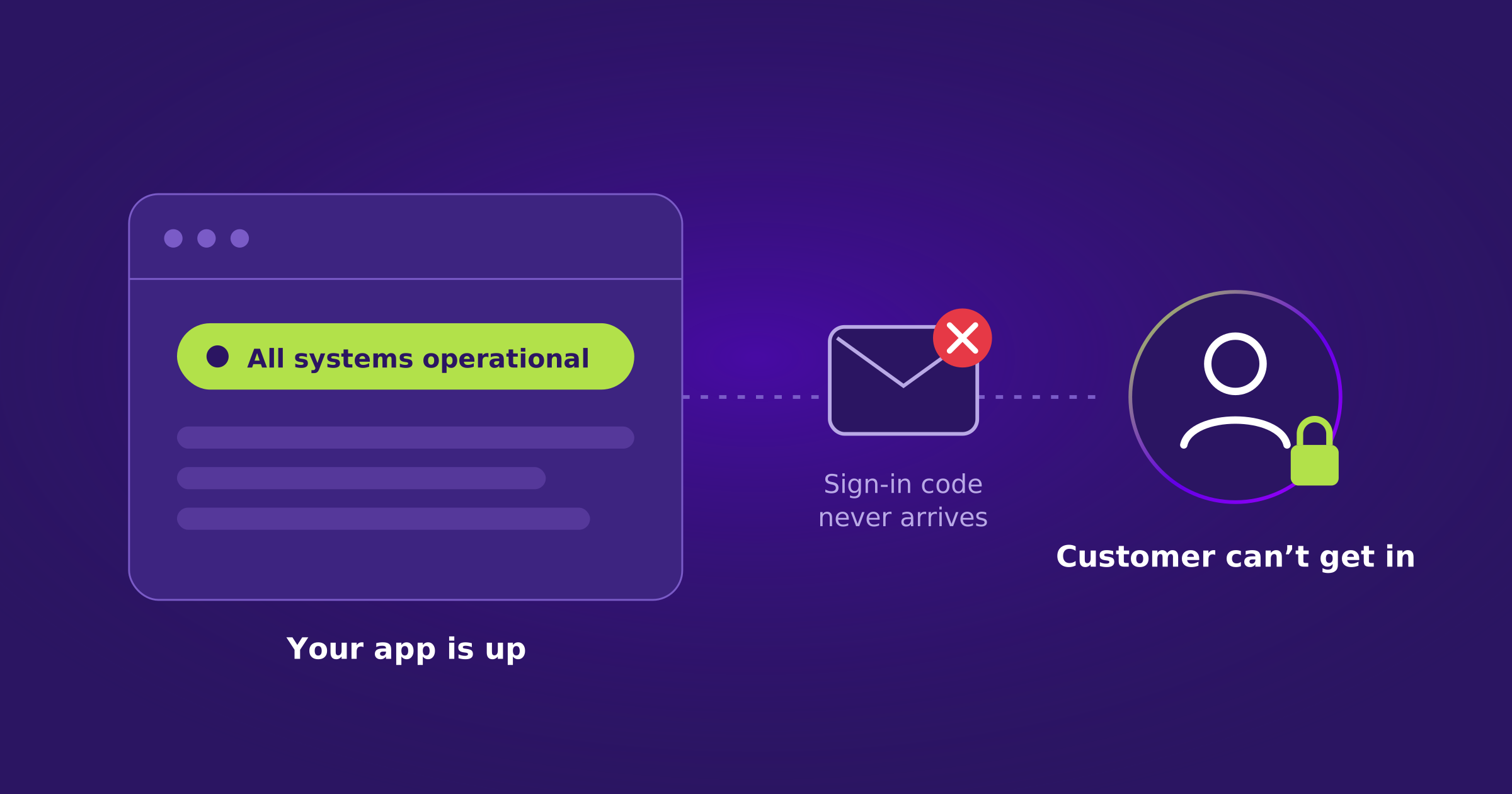
The Microsoft 365 disruption showed how a working SaaS application can become unusable when a sign-in code never arrives. The servers are running, but the customer cannot get in. A green status page does not help them finish their work.
For a SaaS provider, this cuts both ways. Customers may be unable to place orders or reach their accounts. Staff may lose access to support, deployment, or recovery tools. Business recovery has to cover both groups.
Two Groups Need Access Back
Business Recovery
Recover the Work, Not Just the Login
Start with the activities the business cannot afford to stop. Which applications do they depend on? Can customers and staff sign in without receiving an email? Can the people responsible for recovery reach their tools? Agree on priorities and responsibilities with each critical SaaS provider before an incident.
The Question to Ask First
Can customers and staff sign in without receiving an email?
Email and identity outages need different responses.
| Outage Type | What Helps, and What Doesn’t |
|---|---|
| 1Email outage | A previously enrolled, approved sign-in method may avoid an unavailable inbox. Changing email senders will not fix a customer’s inaccessible mailbox. |
| 2Identity outage | Identity failover becomes relevant when the normal identity path cannot serve the application. A standby is useful only if it avoids the failed dependency and users can access it without an activation email. |
Where Acsense Fits
Where Acsense Helps
Acsense connects preserved identity configuration, supported standby recovery, and application reconnection. Teams can recover supported users, groups, policies, and assignments, or activate a prepared standby where supported. This reduces the identity setup they would otherwise need to rebuild while the business is waiting.
The next step is getting the SaaS application to accept the recovered identity. Acsense Last Mile Recovery updates supported application-side SSO trust settings through configured integrations. The job is not finished until the user reaches the right existing account, has the intended permissions, and can complete the business task.
That requires preparation with the application owner.
| Confirm | With the Application Owner |
|---|---|
| 1Recovery path | Which recovery path is supported for this application. |
| 2Credentials | That usable credentials will be available during recovery. |
| 3Trust changes | Who can change the application’s SSO trust settings. |
| 4Approval | Who approves the switch. |
Do not assume passwords or MFA enrollments move with a copied user. For customer-owned SSO, the recovery arrangement must respect the customer’s access policy.
Be Clear About the Boundary
Acsense does not bring Exchange Online back or restore SaaS application data. Its role is recovering supported identity configuration and application connections so work can resume where the underlying service is available.
See Last Mile Recovery in Action
Recover supported identity configuration and reconnect the SaaS applications your customers and staff depend on.
Request a DemoA Check Worth Running
Prove It Before the Next Outage
Choose one customer-facing application and one tool your responders need, then run a controlled drill.
| Step | What to Do |
|---|---|
| 1Test sign-in without email | Test a fresh sign-in that does not depend on receiving an email. |
| 2Test identity failover | Test the supported identity failover path separately. |
| 3Complete a real task | Complete a real business task and verify permissions. |
| 4Rehearse the return | Rehearse the return to normal. |
| 5Keep admin independent | Keep recovery administration independent of the affected sign-in path. |
Measure recovery by when customers and staff can work again, not when the restore job turns green.
Protect Your Entire Identity Infrastructure
One platform. Okta and Entra ID. Backup, configuration management, disaster recovery, and compliance under one roof.
Request a DemoFrequently Asked Questions
Why can’t customers sign in when the SaaS application is running?
If sign-in depends on a code sent by email and the customer’s mailbox is unavailable, the code never arrives. The servers are running, but the customer cannot get in.
Will changing our email sender fix the problem?
No. Changing email senders will not fix a customer’s inaccessible mailbox. A previously enrolled, approved sign-in method may avoid the unavailable inbox.
When does identity failover help?
When the normal identity path cannot serve the application. A standby is useful only if it avoids the failed dependency and users can access it without an activation email.
Do passwords and MFA enrollments move with a recovered user?
Do not assume they do. Confirm usable credentials with the application owner in advance.
Does Acsense restore Exchange Online or application data?
No. Acsense recovers supported identity configuration and application connections so work can resume where the underlying service is available.
Key Terms
| Term | Meaning in This Article |
|---|---|
| Business recovery | Getting customers and staff back to completing real work, not just restoring a service. |
| Identity failover | Moving sign-in to a prepared standby when the normal identity path cannot serve the application. |
| Standby | A prepared identity environment that avoids the failed dependency and can be reached without an activation email. |
| Last Mile Recovery | Acsense capability that updates supported application-side SSO trust settings through configured integrations. |
| Application-side SSO trust | The settings in a SaaS application that determine which identity provider it accepts for sign-in. |
